How to Optimize YouTube Keywords with vidIQ (Step-by-Step Guide)
From YouTube With Saave

If your YouTube videos aren’t getting views, the issue is rarely your content. Most of the time, it’s poor keyword optimization.
Welcome to YouTube With Saave. In this edition, I’ll walk you through how to optimize YouTube keywords with vidIQ, so your videos can rank higher in search, get suggested more often, and grow consistently—without relying on luck.
Why Keywords Matter on YouTube
YouTube isn’t just a video platform—it’s the second-largest search engine.
If you:
Upload videos without keyword research
Target keywords that are too competitive
Ignore search intent
Your videos struggle to get discovered.
That’s exactly where vidIQ helps.
Step 1: Find the Right Keywords Using vidIQ
Open the vidIQ Keyword Tool and type in your video topic.
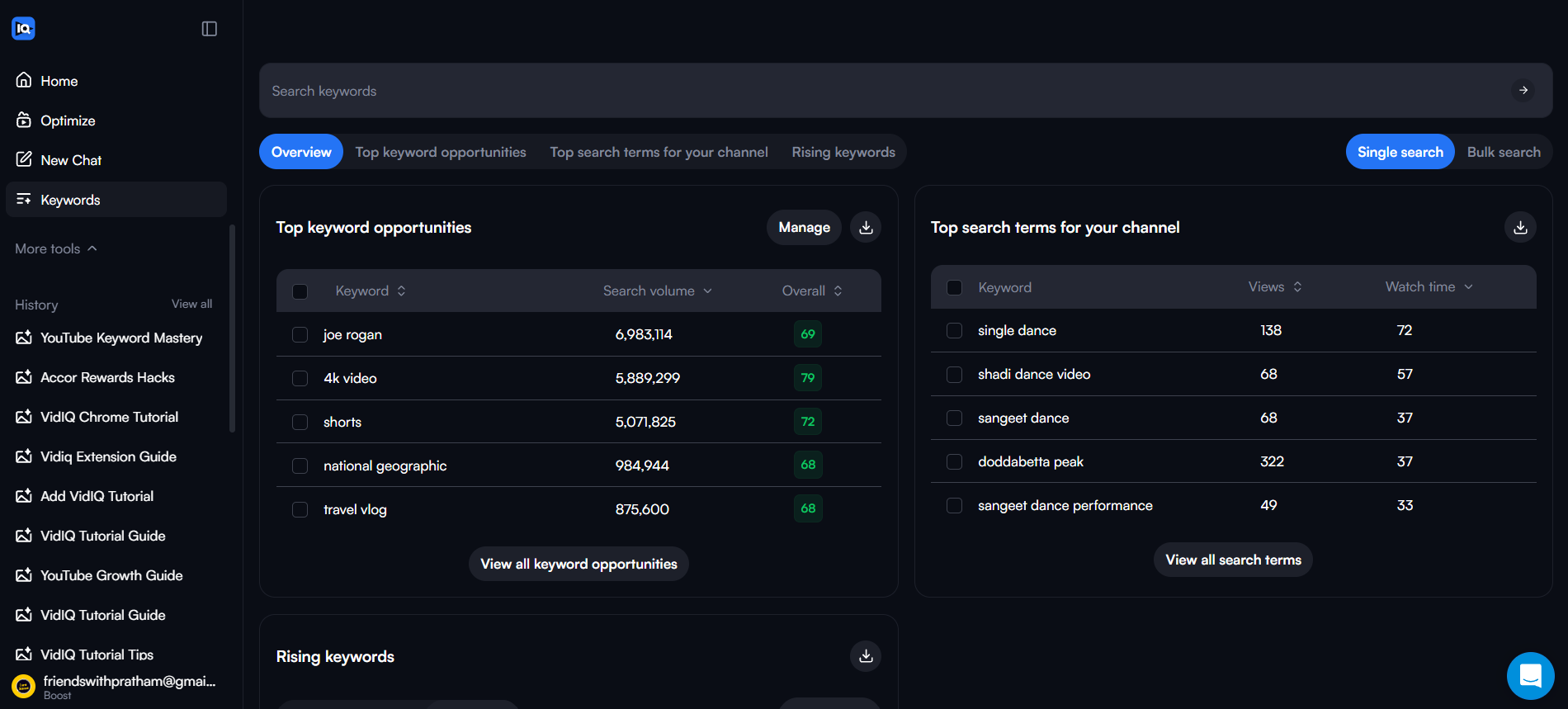
vidIQ shows two key metrics:
Search Volume → How many people are searching
Competition → How hard it is to rank
🎯 Your goal: High search volume + low competition
This approach works especially well for new and small YouTube channels.
Step 2: Use YouTube Search Suggestions
Type your topic into the YouTube search bar.
The suggestions that appear are real searches people are making right now.
Use vidIQ to analyze these suggestions:
Avoid red (high competition) keywords
Focus on green or yellow keywords
Target keywords where smaller channels already rank
This alone can dramatically improve your reach.
Step 3: Optimize Your Video Title (SEO First)
Your main keyword should appear as early as possible in the title.
❌ Bad title: Grow on YouTube Faster
✅ Optimized title: How to Optimize YouTube Keywords with vidIQ (Beginner Guide)
vidIQ provides a title score—aim for green before publishing.
Step 4: Write an SEO-Friendly Description
Your description helps YouTube understand your video.
Best structure:
First 2 lines → Main keyword + clear value
Remaining description → Supporting keywords written naturally
Repeat your primary keyword 2–3 times, without keyword stuffing.
Step 5: Optimize Tags with vidIQ
Tags don’t carry the same weight as before, but they still help YouTube understand context.
With vidIQ, you can:
Copy tags from top-ranking videos
Add relevant long-tail keywords
Strengthen overall SEO signals
Step 6: Track Keyword Rankings After Publishing
Once your video is live, vidIQ allows you to:
See which keywords your video ranks for
Track position changes over time
Identify keywords to double down on
This feedback loop is how channels grow predictably, not randomly.
Common Keyword Mistakes to Avoid
Targeting only viral, high-competition keywords
Keyword stuffing in titles or descriptions
Copying big creators without strategy
Ignoring search intent
Avoiding these mistakes alone can significantly improve performance.
Final Thoughts from YouTube With Saave
You don’t need to upload more videos. You need to make better keyword decisions.
Learning how to optimize YouTube keywords with vidIQ can completely change how your channel grows—especially if you’re under 10,000 subscribers.
Recommended Resources
vidIQ – Keyword research and YouTube SEO tool : https://vidiq.com/Saave